Display & Behavior Settings
Configure the appearance and behavior of the FullCalendar view to match your workflow.
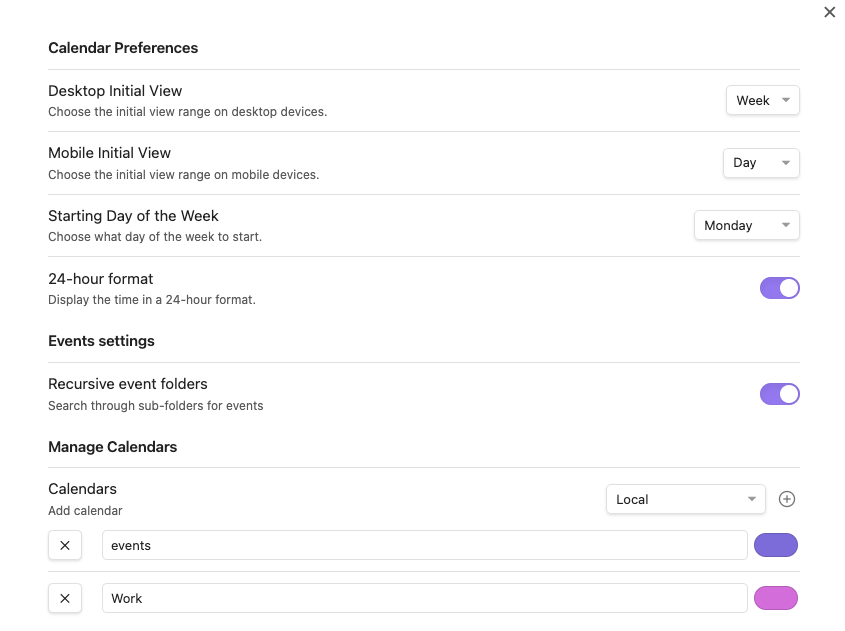
First Day of Week
The first day of the week defaults to Sunday, but you can change it to Monday or any other day.
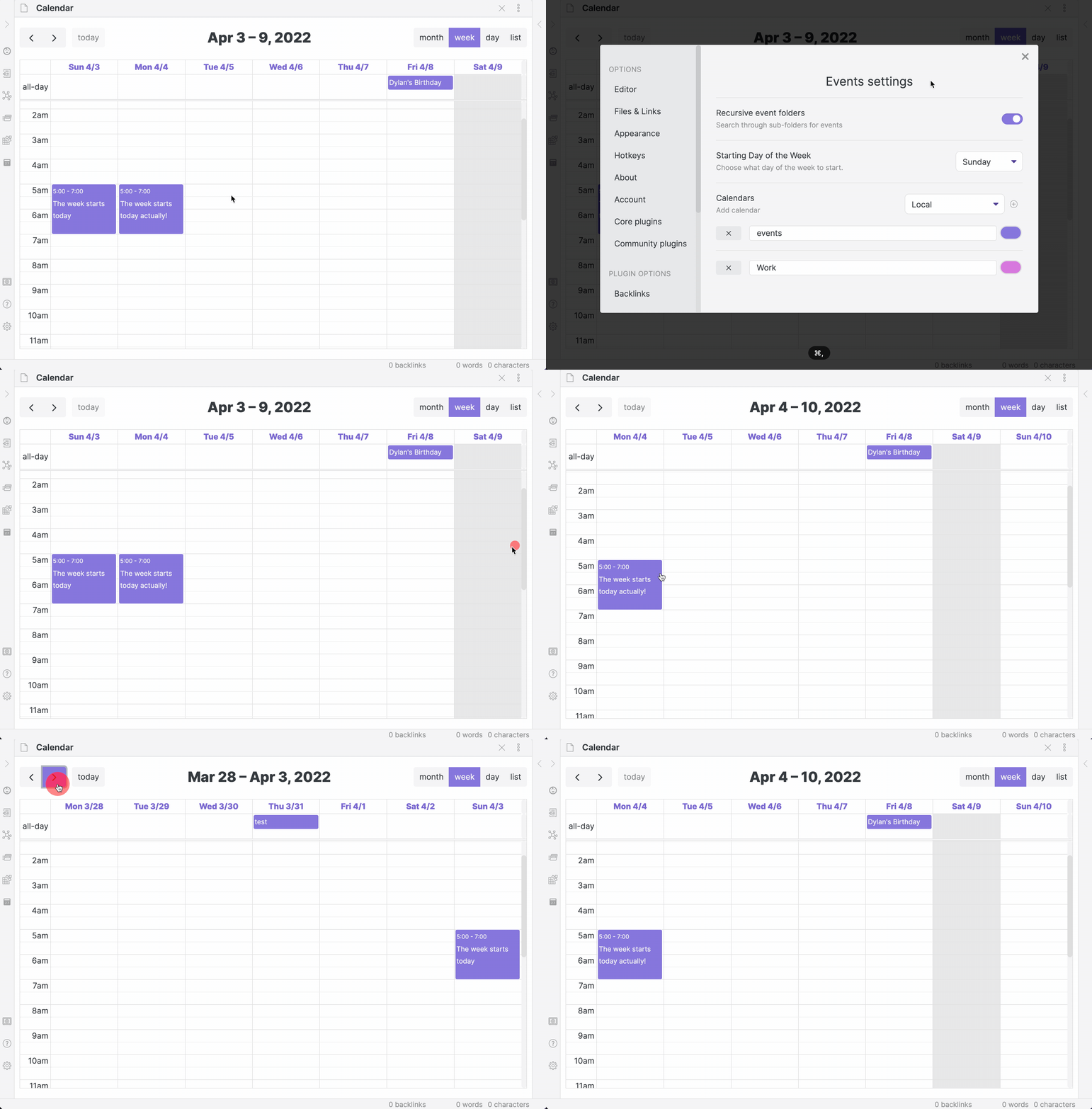
Default Calendar Views
Choose the initial view that Full Calendar will open to on desktop and mobile devices.
24-Hour Time
Display all times in a 24-hour format instead of AM/PM.
Week/Day All-Day Row
You can show or hide the all-day row at the top of Week and Day views.
- Setting path: Appearance -> View Time Range -> Show all-day row (week/day views)
- When off: the all-day row is hidden, giving more vertical space to timed events.
Week/Day Header Date Format
You can choose how dates are shown at the top of Week and Day views.
- Setting path: Appearance -> View Time Range -> Week/day header date format
- Available formats include:
- 9/4 Wed (DD/MM day)
- 4/9 Wed (MM/DD day)
- Wed 9/4 (day DD/MM)
- Wed 4/9 (day MM/DD)
- 09/04/2026 Wed (DD/MM/YYYY day)
- 04/09/2026 Wed (MM/DD/YYYY day)
Timezone Settings
Manage how event times are displayed. See the dedicated Timezone Support page for a full explanation.
Category Coloring
Enable and manage colors for event categories. See the dedicated Category Coloring page for details.